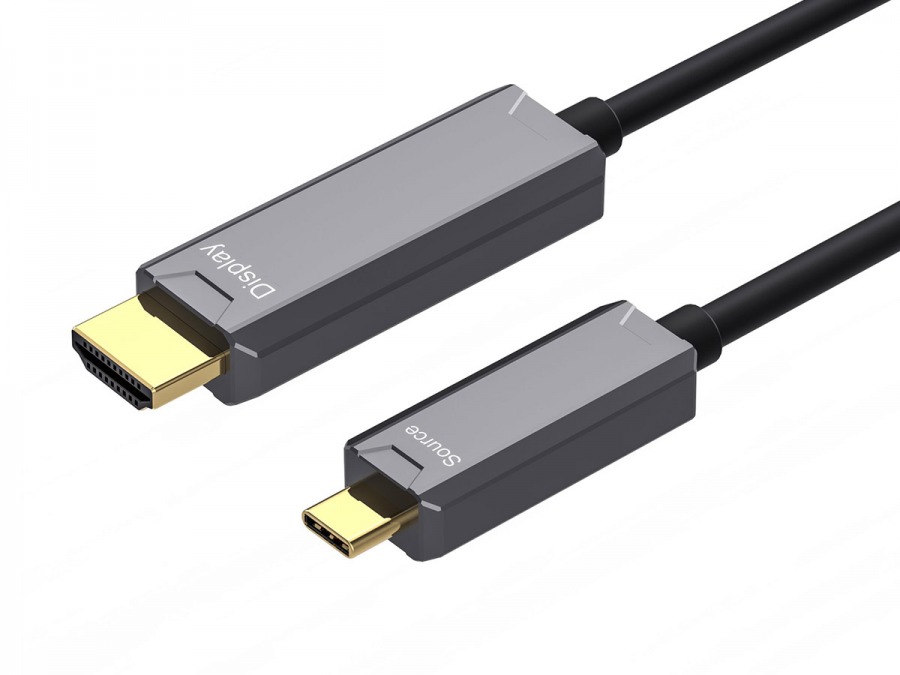
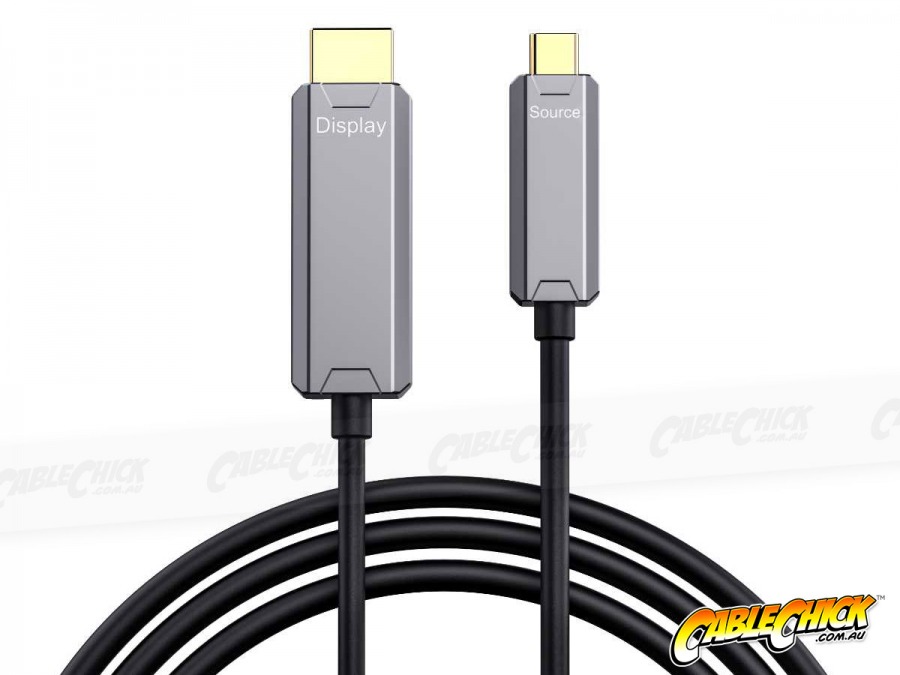
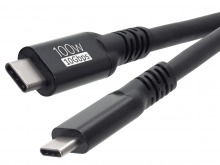
Go further than ever with active optical AV cables
By using optical fibres for the big-bandwidth video link, these cables are longer and more reliable than their copper-only counterparts. With 48Gbps of bandwidth, you can enjoy 8K video, audio, HDR and other HDMI 2.1 features when connecting a USB-C video source to a regular HDMI display or sink.
Immunity to outside interference means a more reliable signal, free from flickers and drop-outs regardless of the electronic environment they're installed in. That makes them perfect in critical applications for office, gaming and even light commercial use where a solid signal is needed and other cables won't reach.
Compatible in all the same places regular copper options go, this product will link your USB-C video source (eg: laptop or smartphone) to a standard HDMI display (eg: monitor, tv, projector, video distribution hub) and provide up to 8K60 resolution alongside multi-channel audio and all other available HDMI 2.1 features like HDR and DSC.
Cable Chick Tip: Always test directional cables before permanent installation to ensure correct operation.
20m USB Type-C to HDMI AOC Features:
- 5-Year Cable Chick Warranty
- 20m USB Type-C Cable to HDMI Active Optical Cable
- 48 Gbps Total Bandwidth with HDMI 2.1 spec
- Supports 8K60, 5K60, 4K120, 1080p240 and more
- Display Stream Compression (DSC) compatible
- Supports audio, HDR, HDR10, HDR10+, DSC and more
- Optical Fibre carriers for Video and Audio data
- Suitable for Smartphones, Laptops, and other USB-C Video sources
- No Drivers, No External Power required
- Colour: Black jacket with Grey plugs
Note: Active Optical cables are more fragile than copper-only options. For tight bends, we suggest high quality right-angle HDMI adapters and/or right-angle USBC adapters.
Why shop with Cable Chick
- Australia's leading retailer of AV cables and tech accessories
- Flat-rate shipping nation wide
- Secure online shopping 24/7
- 14 years experience with 1000's of health, government & education clients
- ALL products locally stocked for same-day dispatch
- Industry leading warranties up to 5-years on products
- A customer base of over 250k+ Australians who trust Cable Chick
- Proudly to be 100% Australian, employing all local staff

Written on 27th Oct, 2026 by Cable Chick
This easy-to-digest article explains common causes and easy solutions for Digital and Electrical Interference affecting your home theatre or computer experience. [
Read More]

Written on 31st August, 2026 by Cable Chick
If you've ever peered behind your TV and spotted a HDMI socket labelled ARC or eARC, you've probably wondered what makes it different from all the other identical looking HDMI ports. The answer? Well it has a special job, and it can be a little fussy about getting the settings right. [
Read More]

Written on 26th June, 2024 by Cable Chick
These days, a single monitor setup almost feels like a punishment. The experience of constantly expanding and minimising windows to perform a simple task knowing how easy it would be with a second monitor is frankly archaic. So this must be what Marty McFly felt like in 1955. Now unless you're a masochist, it might be time to introduce your display to a friend or two and experience how much better things can be. [
Read More]
Blog Category:
How To Guides Tags: HDMI, DisplayPort, How To Guides, Multi-Displays, Signal Converters, Adapters, Essential Reading, Tech Guides, Buying Guide, Mounts & Brackets, Display Devices, USB Type-C

Written on 25th Nov, 2020 by Cable Chick
Make the most of 4K content with our handy connectivity guide! It covers cables, switchers, splitters and all the major 4K content sources available today. [
Read More]

Written on 16th Dec, 2019 by Cable Chick
Take your entertainment to the next level with our handy tips on upgrading your home theatre. From small budgets to big-ticket enhancements, we've got a tip or two for you! [
Read More]

Written on 3rd Oct, 2019 by Cable Chick
If you've upgraded to a 4K television but haven't replaced your HDMI cables in years, you might be missing out on some great new features - especially if you have long cable runs or in-wall HDMI installations. [
Read More]


 15+ In-Stock & Next Business Day!