);)

Normally HDMI cables carry picture and sound into your TV from things like a BluRay player, gaming console or streaming device. ARC or 'Audio Return Channel' flips that around and lets your TV send sound back to a soundbar or home theatre system using the same HDMI cable.
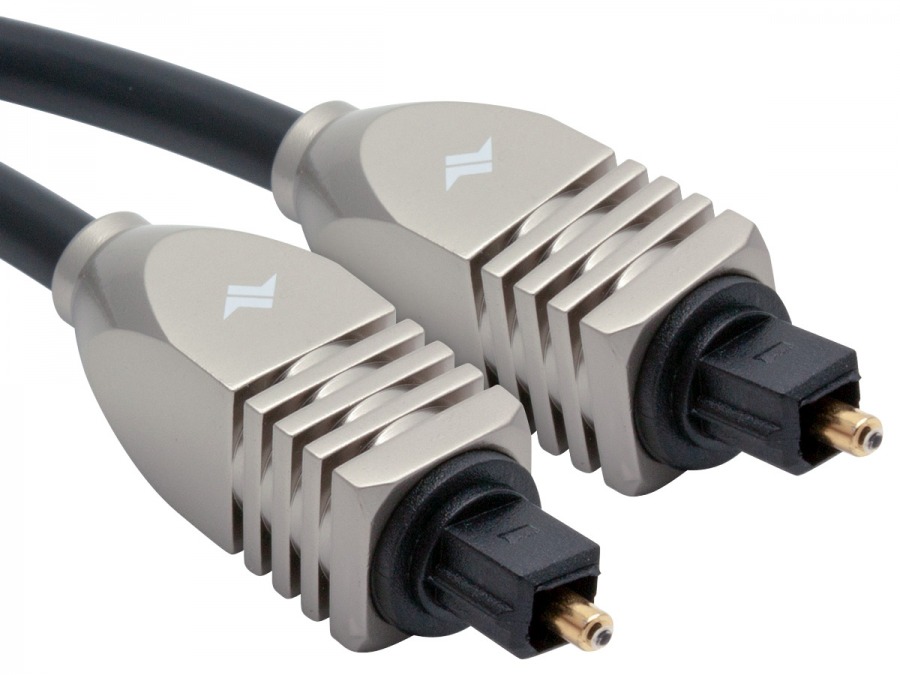
Why does this matter? Because your TV doesn't just show content from other devices, it also creates its own sound from things like free to air channels and inbuilt streaming ups such as Netflix and YouTube. Before ARC, getting sound to your soundbar or AV receiver meant running an extra cable (usually an optical toslink cable) alongside your HDMI Cable. ARC gets rid of that extra cable. One HDMI cable, two jobs, one tidy entertainment unit.
If that wasn't impressive enough, ARC usually works alongside a feature called HDMI-CEC which lets your TV remote control your soundbar’s volume and power. Every brand gives this its own name, Samsung calls it Anynet+, LG calls it SimpLink, Sony calls it Bravia Sync, but it's all doing the same thing.
eARC stands for 'Enhanced Audio Return Channel' and is basically ARC's upgraded, more capable big brother. ARC was designed back when standard 5.1 surround sound was the top of the range. But home theatre audio has moved on since then, with lossless and object based formats such as Dolby Atmos needing a lot more data to squeeze through the cable which ARC just doesn't have the bandwidth to accommodate.
As eARC is able to carry far more data, it can handle the heavy hitting formats such as uncompressed multichannel audio, Dolby TrueHD, DTS-HD and Dolby Atmos. It also does a much better job of automatically syncing sound with picture and getting your devices talking to each other properly.
So which one do you have? Check the label right next to the HDMI port on the back of your TV and soundbar, it will either say ARC or eARC/ARC. As a rough guide, most mid-range and above TVs from 2021 onward support eARC but it's always worth checking the labels or a spec sheet to make sure.
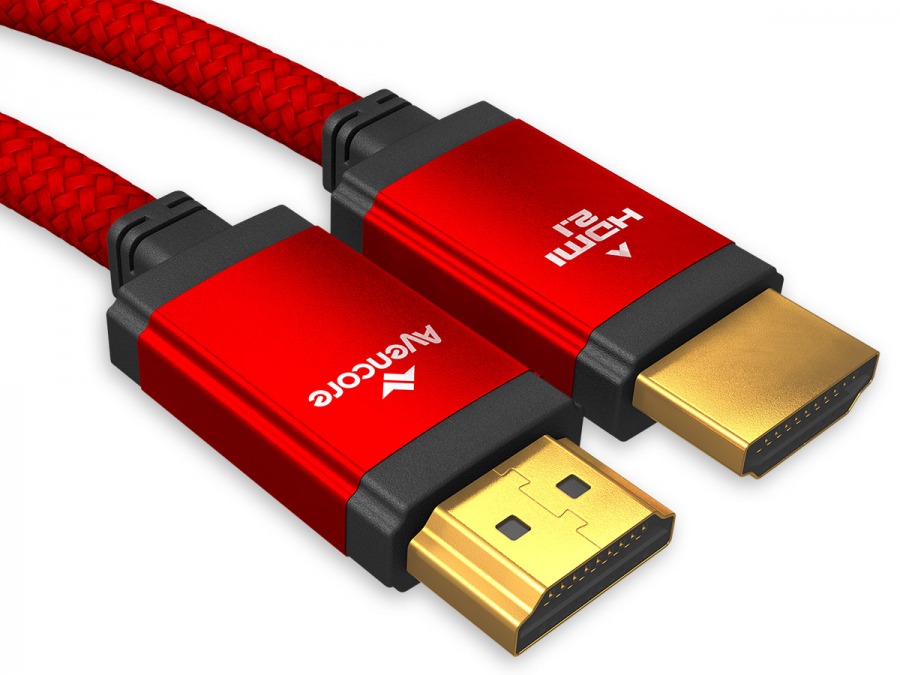
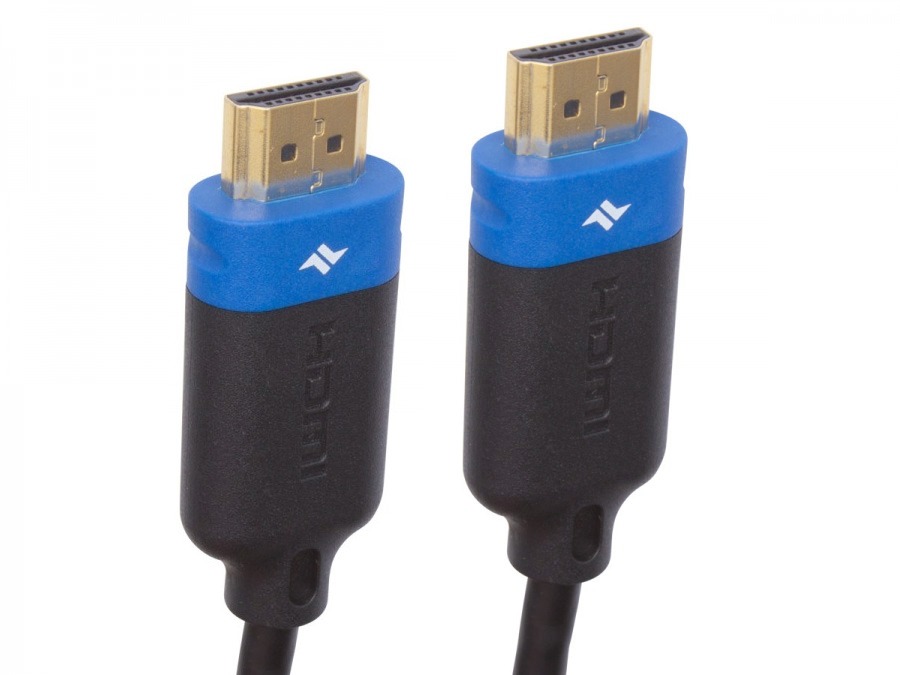
Nope! You don’t need to shell out for some mythical audiophile grade eARC cable made from dragon scales and elf tears. Any premium high speed 18Gbps HDMI cable handles eARC just fine. You’ll only need to step up to an Ultra High Speed HDMI 2.1 Cable if you’re also chasing high bandwidth video features like 4K@120Hz or 8K@60Hz but purely to audio capabilities, the HDMI cable you already have is likely perfectly up to the task.
One thing that does matter however is cable length. A short cable will almost always work great, while longer runs over 10 metres (especially those through walls & ceilings) will benefit greatly from an active optical option such as our Avencore Carbon Series Active Optical HDMI 2.1 Cables. If you’re wanting to achieve 8K@60Hz resolutions, it’s best to stick with a HDMI 2.1 Cable of 5 metres or less and for 4K@60Hz resolutions you’ll be safe up to 10 metres. If you're getting audio drop outs or your devices keep losing connection, a dodgy or overly long cable is often the culprit.
Every TV brand labels its menus a little differently but the general steps are
If everything is working correctly you should now hear audio through your soundbar or AV receiver and be able to control the volume with your TV remote.

Yes, as a reliable backup. A Toslink optical cable handles stereo and standard 5.1 surround sound well and it’s a good option if ARC isn’t available but bear in mind that it won’t support audio formats that require the bandwidth of eARC and you won’t be seeing any updates to the optical format any time soon.

As more streaming platforms, UHD BluRays and games lean into immersive, lossless audio formats like Dolby Atmos, eARC is quickly shifting from ‘nice to have’ into the standard people expect. If you’re in the market for a new TV, soundbar or AV receiver, it’s worth putting eARC support near the top of your checklist. Even if you’re not using every format today, having the bandwidth at the ready means you’ll be all set for whatever upgrades you make in the foreseeable future.
If we've missed something or you have any questions, we'd love to hear from you! Contact Us