Need 4K at 60Hz over a longer distance?
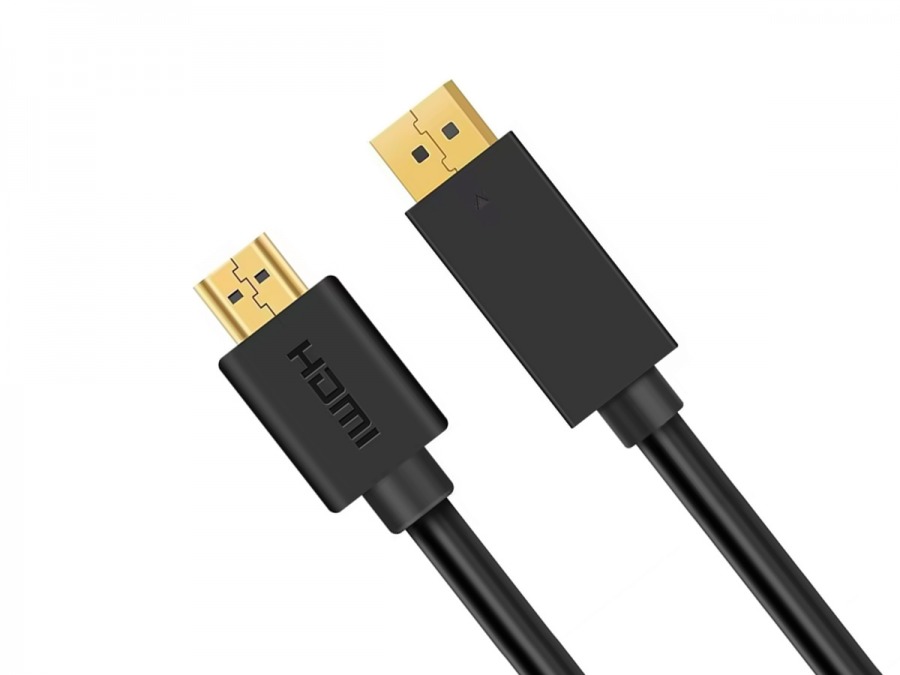
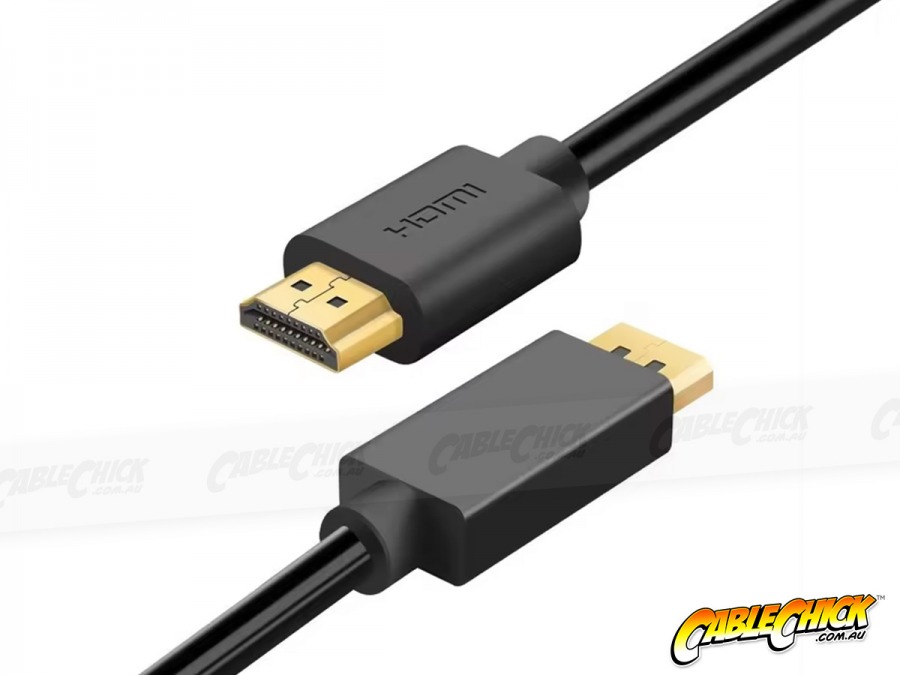
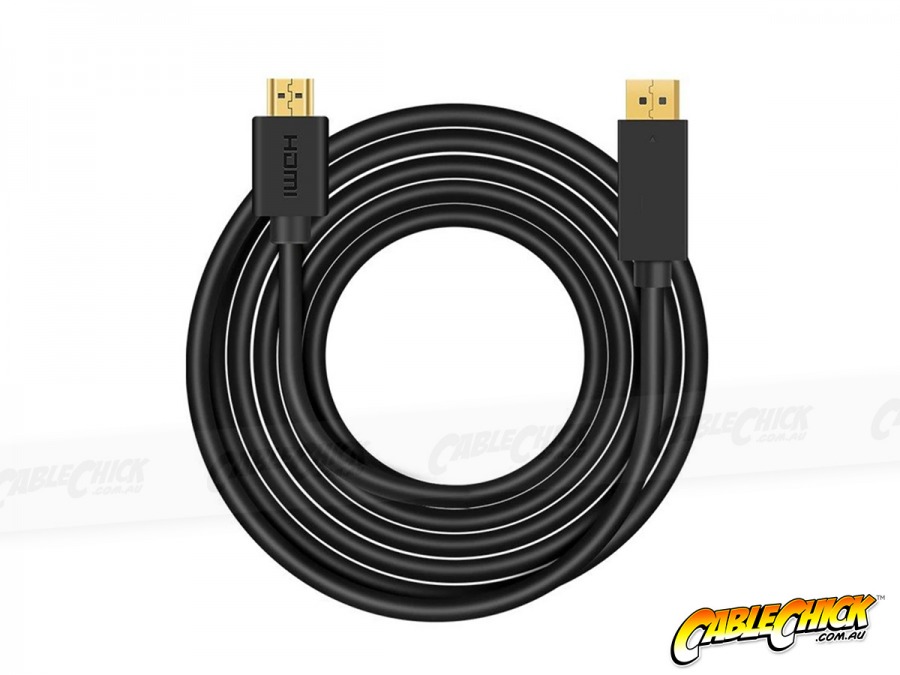
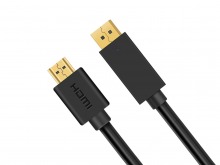
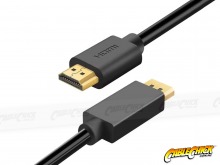
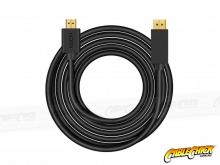
When your computer and display are on opposite sides of the room, a short cable isn't going to cut it! This 10 Metre DisplayPort to HDMI Cable gives you plenty of reach to connect your devices and set up your screen exactly where you need it.
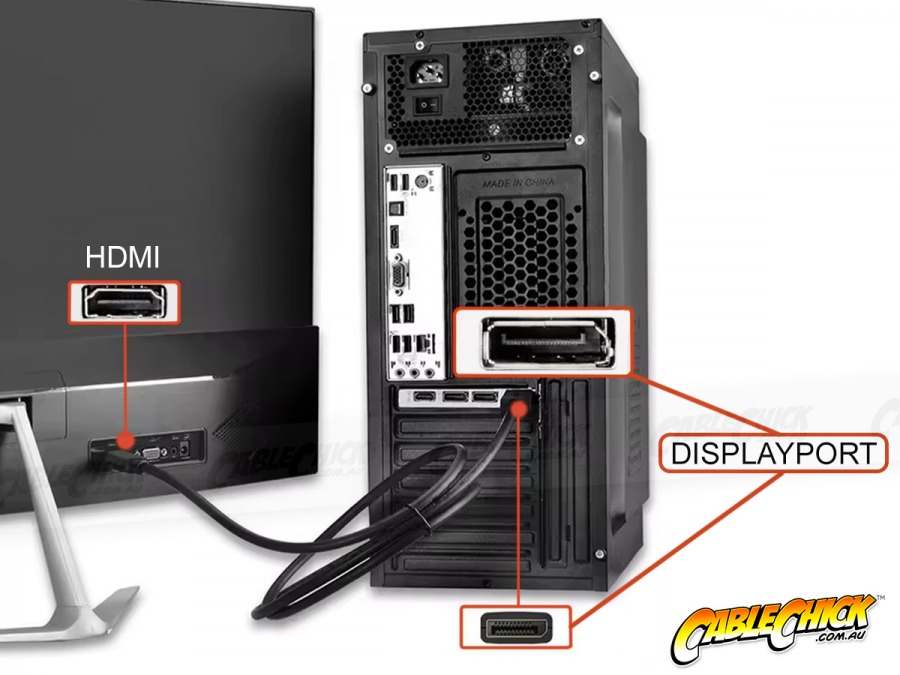
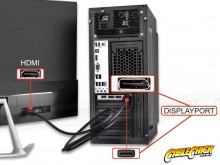
**PLEASE NOTE: This is a uni-directional cable for connecting DP sources to HDMI screens only. It does not operate in reverse. For HDMI sources connecting to DP screens, an active converter is necessary.**
With an 18Gbps data transfer rate and support for 4K at 60Hz, this cable makes it easy to connect a compatible computer to a HDMI monitor or TV, even if it's on the opposite side of the room! Its generous 10 metre length is ideal when you need to cover a little m ore ground in the home, office or presentation space.
And there's no need to hunt down drivers or install extra software. Simply plug the DisplayPort end into your source device, the HDMI end into your screen and away you go!
This 1m length is a reliable travel companion for on-the-go connections to TVs, projectors or PC screens!
Features & Specifications:
- 5 Cable Chick Year Replacement Warranty
- 10 Metre DisplayPort to HDMI Cable
- Input: DisplayPort Male
- Output: HDMI Male
- Supports resolutions up to 3840 x 2160 @ 60Hz
- 17.28Gbps data transfer rate
- Supports mirror & extended display modes
- Plug & Play - no drivers required
- PVC outer material
- Uni-directional: DisplayPort source to HDMI display
Best used for:
- Connecting DisplayPort sources (PC/laptop) to HDMI monitors & TVs
- Home, Office and Light Commercial Installations
- Setups where the source and display are positioned further apart
Why shop with Cable Chick
- Australia's leading retailer of AV cables and tech accessories
- Flat-rate shipping nation wide
- Secure online shopping 24/7
- 14 years experience with 1000's of health, government & education clients
- ALL products locally stocked for same-day dispatch
- Industry leading warranties up to 5-years on products
- A customer base of over 250k+ Australians who trust Cable Chick
- Proudly to be 100% Australian, employing all local staff

Written on 27th Oct, 2026 by Cable Chick
This easy-to-digest article explains common causes and easy solutions for Digital and Electrical Interference affecting your home theatre or computer experience. [
Read More]

Written on 26th June, 2024 by Cable Chick
These days, a single monitor setup almost feels like a punishment. The experience of constantly expanding and minimising windows to perform a simple task knowing how easy it would be with a second monitor is frankly archaic. So this must be what Marty McFly felt like in 1955. Now unless you're a masochist, it might be time to introduce your display to a friend or two and experience how much better things can be. [
Read More]
Blog Category:
How To Guides Tags: HDMI, DisplayPort, How To Guides, Multi-Displays, Signal Converters, Adapters, Essential Reading, Tech Guides, Buying Guide, Mounts & Brackets, Display Devices, USB Type-C

Written on 25th Nov, 2020 by Cable Chick
Make the most of 4K content with our handy connectivity guide! It covers cables, switchers, splitters and all the major 4K content sources available today. [
Read More]

Written on 20th April, 2020 by Cable Chick
Learn about USB Type-C Alt Modes like Thunderbolt 3 and DisplayPort, and what products you can find this feature on! [
Read More]

Written on 6th April, 2020 by Cable Chick
Discover the easiest way to connect your laptop to one or more additional screens with our handy visual guide. [
Read More]
Blog Category:
How To Guides Tags: VGA, How To Guides, AV Signal Converters, Multi-Displays, Adapters, Video Conversion, Tech Guides, Buying Guide, Display Devices, USB Devices, USB Type-C, Thunderbolt

Written on 17th July, 2019 by Cable Chick
Thunderbolt® is an impressive technology, but it can be hard to fully understand. Read our blog on Thunderbolt, Mini-DisplayPort, and USB-C to learn how they all work. [
Read More]


 In-Stock