In-Stock


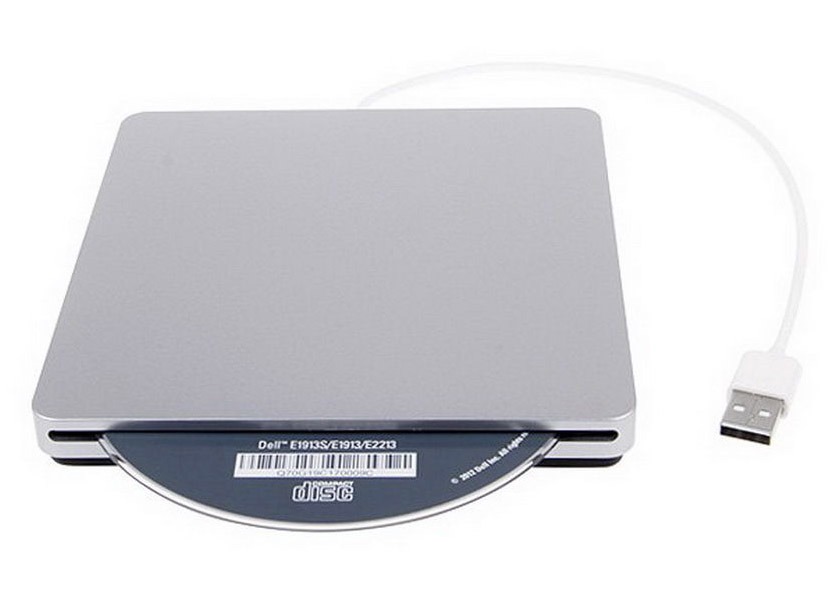
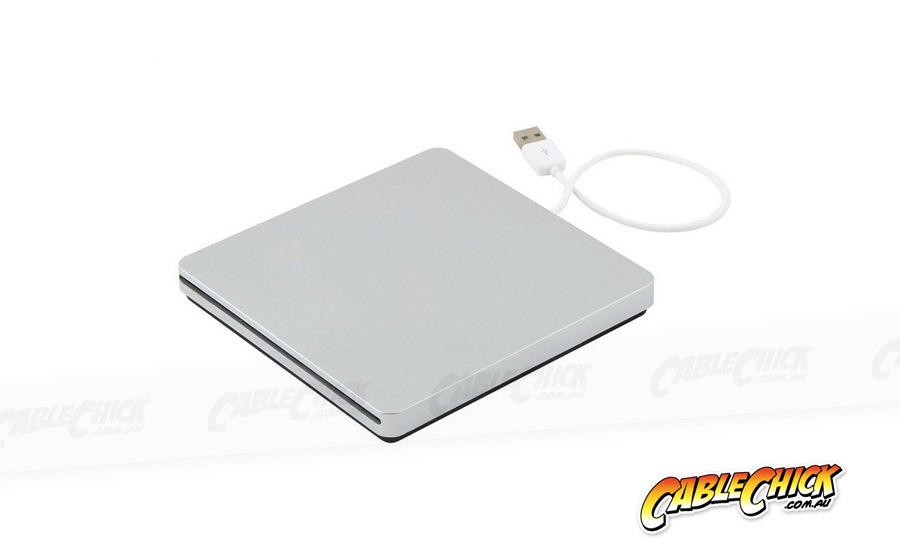
Expand your ultraportable with a CD/DVD drive!
These days, notebooks, ultrabooks and even full-size laptops are being made without an optical drive in order to save space, weight and battery life. Desktop PCs are quickly following suit. But what about when you need to watch a DVD movie or install software that's only available on CD? You get a beautiful slim external drive like this one!
All you need is a single USB socket and you will have a fully functional optical reader and burner available. It has plug and play functionality for Windows 98, XP, Vista, 7, 8, 10 and Windows 11 plus Mac OS (not including 10.5 or 10.9). Functions on any USB 2.0 or USB 3.0 socket you have spare!
It operates just the same as a normal built-in drive, except you can leave this one at home or in the office when you don't need, or slip it into your laptop bag for disc access on the road - it's slim and light and you'll never notice it until you need it.
Note: No eject button. Under Windows, use Win+E to open Explorer and right-click the optical drive and choose Eject from the drop-down. Under MacOS, open Finder and click the Eject icon next to the optical drive on the left sidebar, or drag the disc icon on your dekstop to Trash. Not recommended to leave discs in the drive during transport.
Software: DVD playback is best with a media player app like VLC. Disc writing can be performed with free software such as CDBurnerXP for Windows or Burn for MacOS
Includes:
Specifications and Features: